
Use the supplied USB cable to connect the AQ1w monitor to your computer. Plug the USB micro end into the slot in the monitor and the USB-A end to your computer.
Open the Wi-Fi setup program at https://wifi.airqio.com and follow the instructions there to get your AQ1w connected to your Wi-Fi.
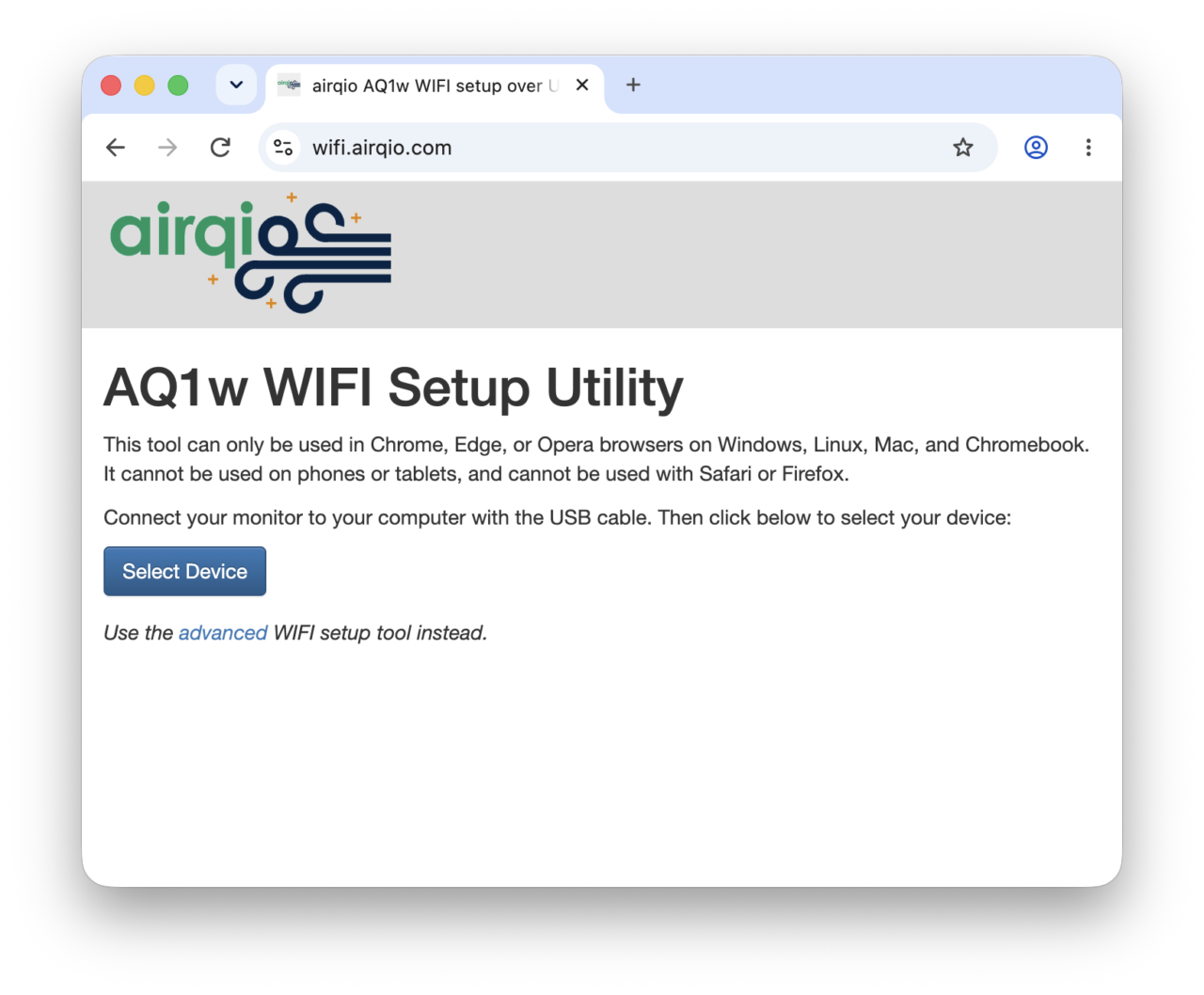
Select your device and wait for it to return a list of Wi-Fi networks. Then choose your network, enter the password and choose to configure.
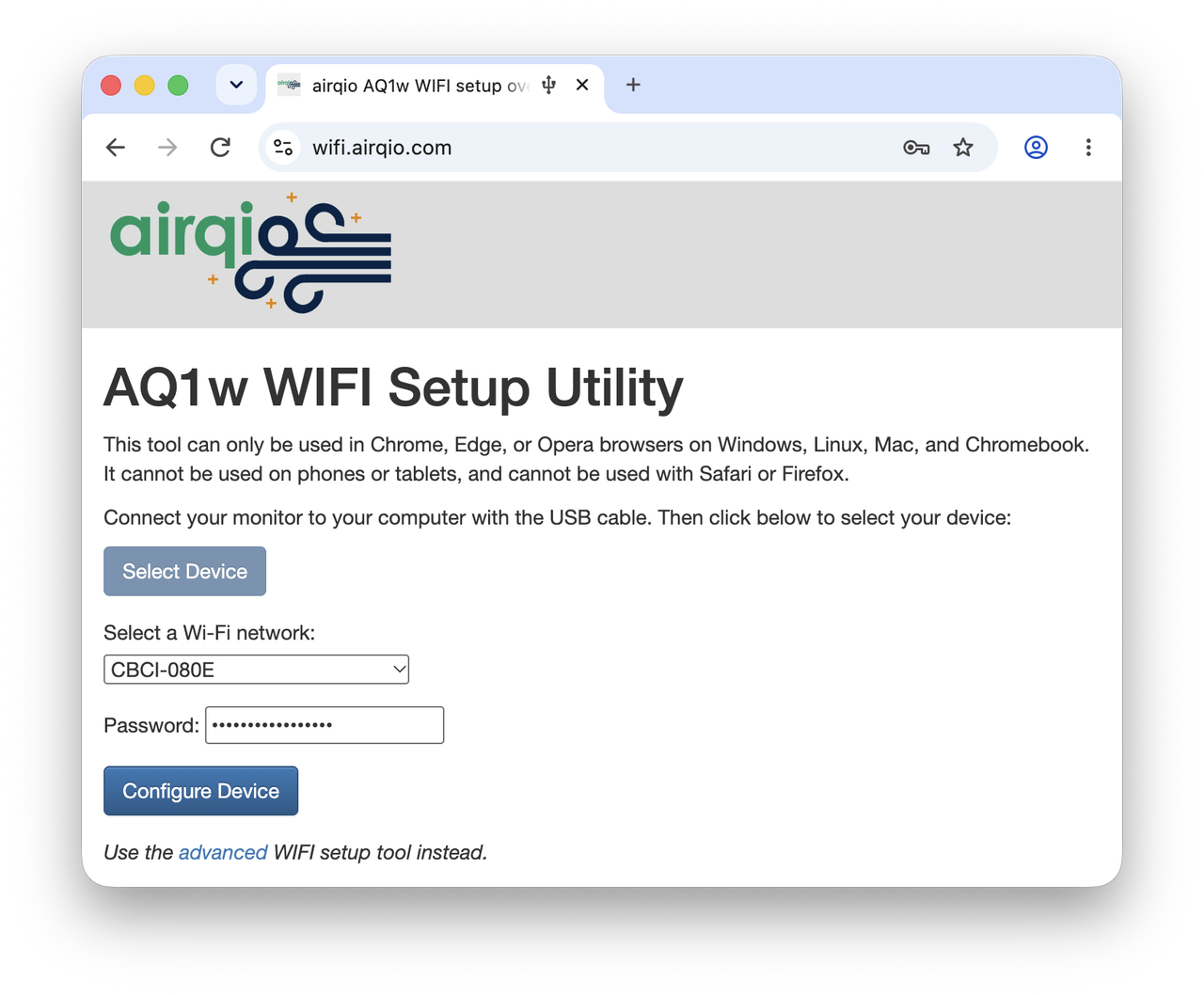
Once you have completed Wi-Fi setup, disconnect the monitor from your computer.
Next, choose a location for your monitor. Typically this is a space where you or your family spend the majority of your waking time. Be sure to follow these guidelines:
- Do not choose a location that receives direct sunlight. Sunlight heats the monitor and causes errors in the metric measurements.
- Keep the monitor off the floor by at least two feet. A location near the floor provides high particulate matter readings from normal foot traffic.
- If placed in a kitchen, keep the monitor at least 10 feet from a range or cooking surface. Close proximity to cooking can show very elevated measurements and there is a splash hazard risk.
- Make sure there is nothing obstructing the front of the monitor so it has easy access to breathe air from your choosen space.
Be sure to use the supplied power adapter and USB cable to ensure reliable operation. If there is not a power outlet within reach of your desired location, consider choosing a different space.
Reviewing the Users Guide
The Users Guide has additional detail for operating the monitor, descriptions of the measurement metrics, and troubleshooting information.